The Complete Hardware Wallet Guide: Ledger, Trezor, and OneKey
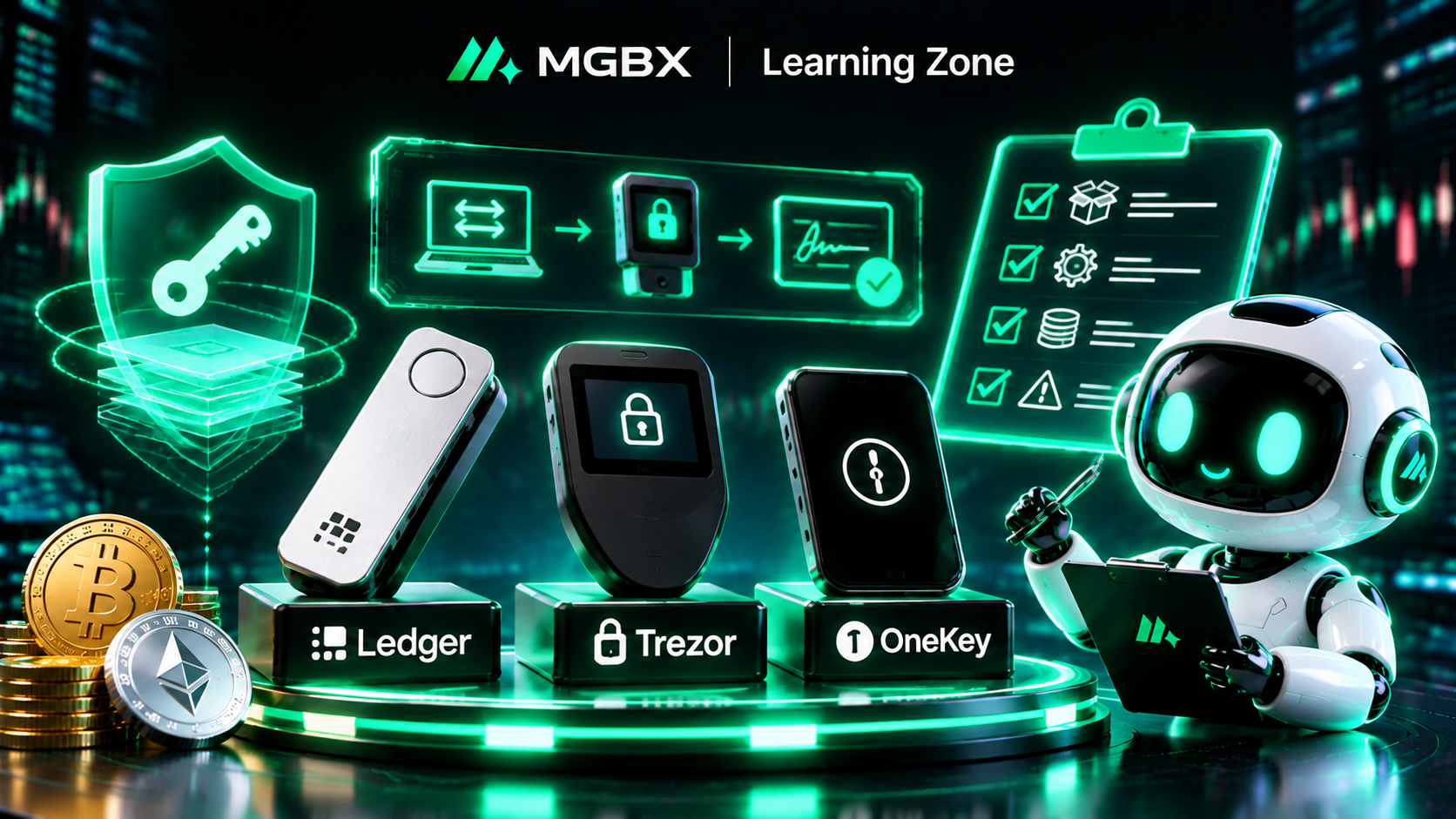
Hardware wallets store keys and sign transactions on dedicated devices, reducing exposure to internet-connected computers and phones. When choosing Ledger, Trezor, or OneKey, check each model’s supported assets, recovery formats, and transaction display capabilities. Set up the device yourself, create an offline backup, verify addresses on its screen, and test small transfers. Hardware wallets cannot eliminate phishing, malicious approvals, or physical attacks. Proper use and reliable backups remain essential.
How Do Hardware Wallets Sign Transactions Offline?
A hardware wallet is a dedicated signing device; assets remain recorded on the blockchain. Typically, a computer or phone prepares a transaction and sends it to the device. You review and approve it, the device signs it, and the connected software broadcasts it. This reduces the risk of malware on your computer or phone directly accessing private keys.
Cold wallets emphasize offline key storage. Hardware wallets are a common approach, but the terms are not always interchangeable. USB, Bluetooth, and QR codes describe communication methods—not overall security. Key storage, firmware, and transaction verification also matter.
How Should You Compare Ledger, Trezor, and OneKey?
Choose a cold wallet around your needs. List your assets and networks, then check device support and whether third-party software is required. These considerations come from official documentation, not hands-on performance rankings.
Brand | What to Explore | Check Before Buying |
Ledger | Official app and compatible third-party wallets | Asset support and transaction display |
Trezor | Trezor Suite, open-source resources, and backup options | Backup formats supported by the model |
OneKey | Companion app, device authentication, and address verification | Device, app, and connection compatibility |
Ledger’s official app is now called Ledger Wallet; older guides refer to Ledger Live. Trezor backup options and OneKey connection procedures can also vary by model. Consult the specific device’s official guide rather than assuming every model shares the same features.
Ledger Setup and Essential Safety Practices
Start with Ledger’s official app page. Follow your model’s instructions to check the device, create a wallet, set a PIN, and record recovery words. Set up other brands yourself too—never use seller-provided PINs or seed phrases. Verify your backup and receiving address on the device, then test small incoming and outgoing transfers. OneKey’s official guide explains device authentication and address checks.
Watch for blind signing: when a device cannot clearly display what you are authorizing, you may see only unreadable data. Pressing confirm is not a security review. Verify the contract, amount, and permissions. A successful small transfer does not prove later contract interactions are safe. Update firmware only through official channels, after confirming your recovery backup is usable.
FAQ
Can someone use my hardware wallet if I lose it?
Potentially. A PIN adds protection, but you should assess the exposure and act promptly.Does device damage erase my on-chain assets?
No. Restoring access requires a valid backup, any necessary passphrase, and compatible tools.Should I buy a used device?
Its origin and integrity are harder to verify. Prefer official or authorized sellers.Can I import its seed phrase into a mobile wallet?
It may be supported, but doing so increases key exposure and weakens the original isolation.
Further Readings:
Private Keys and Seed Phrases: The Last Line of Defense for Digital Assets
What Is a Private Key? Controlling Your Keys Means Controlling Your Assets
The Complete Guide to Backing Up Your Seed Phrase
Multisignature Wallets: A Shared Vault for Digital Assets
Mastering the basics is the first step. Follow MGBX Academy to access more cryptocurrency educational resources and market opportunities.
The process for trading on MGBX:
Register a trading account and complete the necessary identity verification;
Deposit funds and select a trade type;
On the cryptocurrency trading page, enter the amount or quantity of the cryptocurrency you wish to purchase;
Confirm the order to complete the trade, and check that your assets have increased accordingly.