Wallet Approval Management: How to Check and Revoke Token Approvals
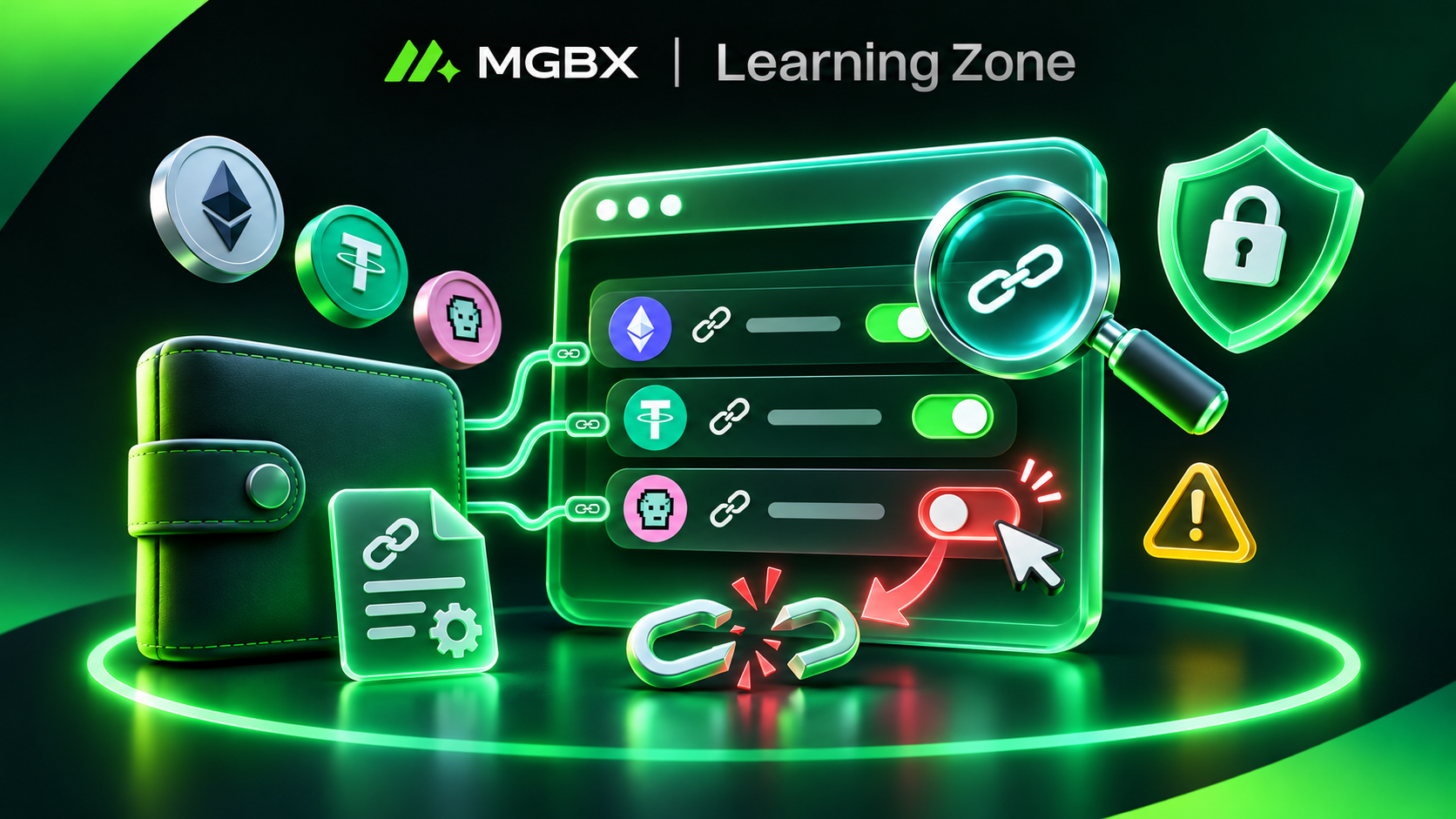
Token approvals let a designated address use specific assets within defined limits. Closing a website or disconnecting your wallet generally leaves those permissions intact. Review the network, asset, spender, and allowance, and remove unfamiliar or unnecessary approvals. revoke.cash helps inspect and revoke permissions, but cannot recover stolen funds or fix compromised keys. Combine approval cleanup with careful signature review and separate wallets for different purposes—one cleanup does not provide permanent protection.
What Are the Risks of Approve and Unlimited Allowances?
In standard ERC-20 interactions, Approve sets the amount a designated address—the spender—can use. The spender can then call transferFrom to move tokens under the contract’s rules. Approval and swapping are usually separate steps, so unused allowances may remain after a trade. The ERC-20 standard defines this mechanism.
Unlimited approval typically means setting an extremely large allowance to avoid repeated approvals. It does not expose every asset across every blockchain, but the approved tokens remain at risk if that permission is abused. Leaving a large allowance after a small swap can increase potential future losses. Collection-wide NFT approvals may cover multiple NFTs within the same contract and need separate review.
How Do You Check and Revoke Approvals with revoke.cash?
Visit the verified official revoke.cash website, enter your public wallet address, and select the network. Viewing approvals requires no seed phrase and generally no signature. Check the token contract, spender, allowance, and recent changes. Prioritize unfamiliar permissions, unused approvals, and allowances exceeding your needs.
To revoke an approval, connect the relevant wallet, select the permission, and click Revoke. Review the network, contract, and requested action in the wallet prompt. After the transaction succeeds, refresh the list or verify the result in a block explorer. Coverage depends on supported networks and permission types; one scan cannot reveal every risk.
Revocation changes on-chain state and usually requires a network fee, which varies with network conditions. Some tool features may charge additional fees, so review the confirmation screen. Do not approve unfamiliar bulk “security cleanup” requests merely to save time.
What Should You Check After Removing Unlimited Approvals?
Where supported, set allowances that match your actual needs and review permissions when you stop using a protocol. Closing a page, clearing browsing history, or disconnecting a wallet does not automatically revoke on-chain approvals. Hardware wallets also cannot prevent contracts from exercising permissions already granted.
Revoking an allowance may not invalidate an unsubmitted Permit or order signature. Check the protocol’s cancellation mechanism. If a private key is compromised, an attacker may still sign transactions directly; move assets to a wallet with fresh keys. Approval management limits permission exposure—it does not replace key protection.
FAQ
Does revoking an approval transfer my tokens?
A normal revocation changes permissions rather than moving balances. Always verify the specific request.Are unlimited approvals always malicious?
No, but larger allowances can increase potential losses if abused.Will resetting an allowance recover stolen assets?
No. Revocation primarily restricts further use of that permission.Does a list without warnings mean my wallet is safe?
No. Warnings and labels are helpful signals, not security guarantees.
Further Readings:
What to Do If Your Crypto Is Stolen: Emergency Response Steps
Wallet Migration Guide: How to Switch Wallets Safely
Cold Wallets vs. Hot Wallets vs. Paper Wallets: Comparing Security
On-Chain Security: The Difference Between Signatures and Transactions
Mastering the basics is the first step. Follow MGBX Academy to access more cryptocurrency educational resources and market opportunities.
The process for trading on MGBX:
Register a trading account and complete the necessary identity verification;
Deposit funds and select a trade type;
On the cryptocurrency trading page, enter the amount or quantity of the cryptocurrency you wish to purchase;
Confirm the order to complete the trade, and check that your assets have increased accordingly.