Wallet Migration Guide: How to Switch Wallets Safely
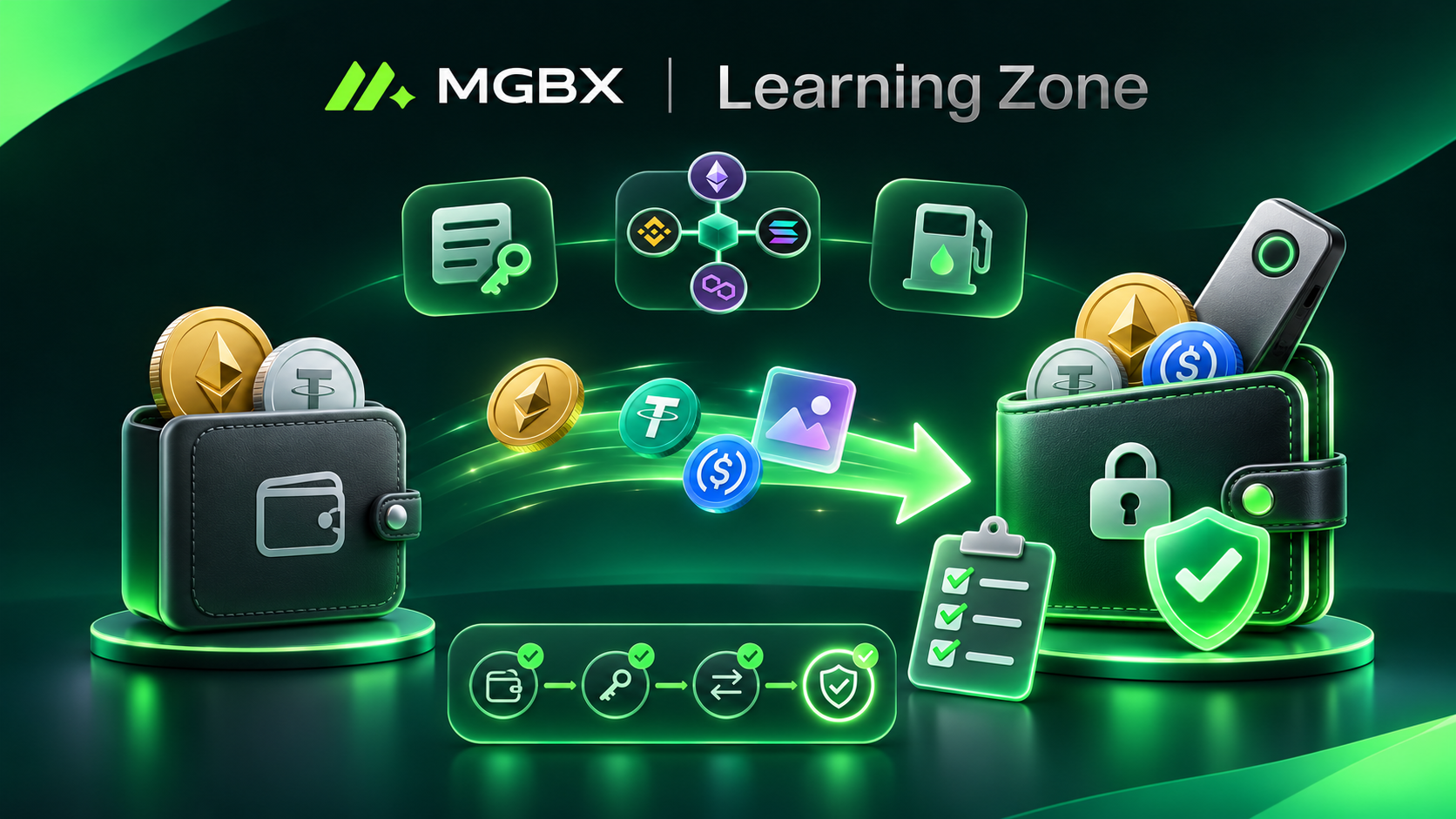
First, decide whether you want a new interface or new keys. Importing an existing seed phrase or private key into compatible software generally leaves addresses and on-chain permissions unchanged. Replacing keys requires a separate new wallet, followed by asset transfers and permission updates. Before migrating, inventory multichain balances, NFTs, and DeFi positions, verify backups, and reserve transaction fees. Afterwards, update receiving details and check the old address for outstanding claims.
Should You Import Keys or Create a New Wallet?
For different features or a new interface, import your keys or connect your existing hardware wallet. The same credentials produce the same accounts under compatible derivation rules. Assets stay on-chain, although the new app may not automatically display every network, token, or transaction.
If you suspect key exposure or want independent cold storage, generate fresh recovery credentials on a trusted device and transfer assets on-chain. Importing exposed keys into hardware or adding accounts under the same seed phrase does not make compromised credentials safe again.
Before Migration: Verify Sources, Backups, and Assets
Download wallets through official channels. Check domains, app publishers, and model-specific instructions; avoid advertising links and installers from unfamiliar group chats. Never paste your seed phrase into a supposed migration website. Initialize hardware wallets using the manufacturer’s instructions, never recovery words supplied by a seller.
Inventory native coins, tokens, NFTs, staking, lending, and liquidity positions by network. Check multisig owners, domain records, and contract administrator permissions too. Some positions are transferable; others require withdrawal or an unlock period. Follow each protocol’s rules. Complete an offline backup and the new wallet’s official backup check before proceeding.
During and After Migration: Verify Each Step
For planned migrations without signs of an active attack, test a small transfer first. Verify the network, full receiving address, and arrival before moving assets in batches. Record each transaction hash to prevent omissions or duplicates. Keep enough native currency at the old address for fees, usually transferring the remainder last.
If a sweeper bot may be present, do not blindly add gas funds or follow routine migration steps. Assess options through trusted support channels first. After migration, update receiving addresses, allowlists, and domain records, then verify the new address’s balances and permissions.
Before retiring an old device, account for backups, accounts, and outstanding claims, then erase local data using official procedures. Deleting an app neither deletes on-chain accounts nor removes leaked key copies. A PIN or biometrics protects local access but does not replace secure recovery backups.
FAQ
Does importing my seed phrase cancel old approvals?
No. Existing on-chain approvals generally remain when the address stays the same.Must I unstake every DeFi position before migrating?
Not necessarily. It depends on transferability and protocol rules.Does a missing balance mean the transfer failed?
Check transaction status, network, account, and token display settings first.Can one seed phrase restore every account?
Not always. Separately imported keys or other recovery credentials may need separate handling.
Further Readings:
Wallet Approval Management: How to Check and Revoke Token Approvals
What to Do If Your Crypto Is Stolen: Emergency Response Steps
Cold Wallets vs. Hot Wallets vs. Paper Wallets: Comparing Security
On-Chain Security: The Difference Between Signatures and Transactions
Mastering the basics is the first step. Follow MGBX Academy to access more cryptocurrency educational resources and market opportunities.
The process for trading on MGBX:
Register a trading account and complete the necessary identity verification;
Deposit funds and select a trade type;
On the cryptocurrency trading page, enter the amount or quantity of the cryptocurrency you wish to purchase;
Confirm the order to complete the trade, and check that your assets have increased accordingly.