Bitcoin Wallet Guide: How to Store BTC Safely
What is a BTC wallet? Learn the differences between software wallets, hardware wallets, and custodial wallets, along with key security practices for private keys, backups, and Bitcoin storage.
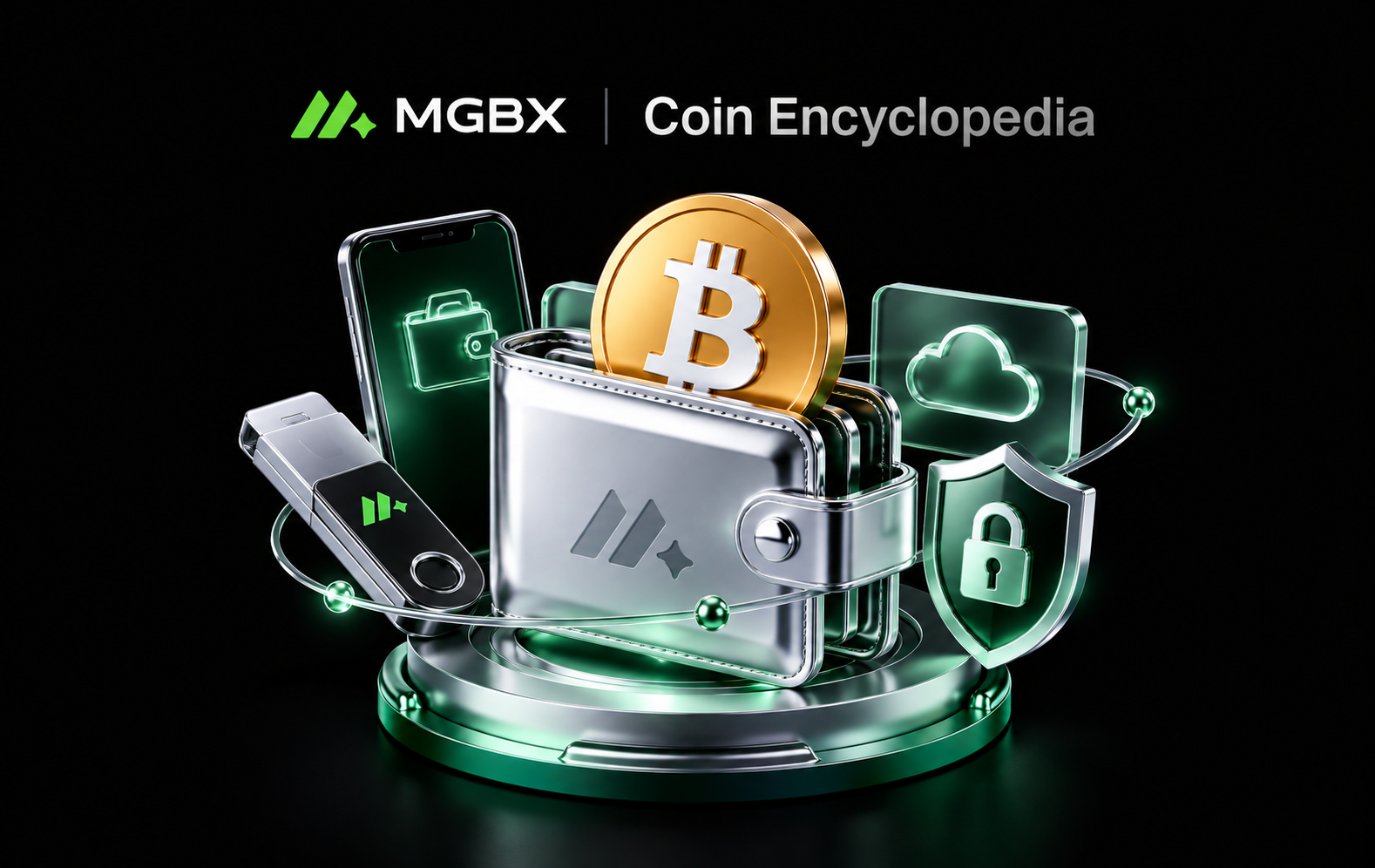
A BTC wallet is not a digital container that literally stores Bitcoin. BTC ownership is recorded on the Bitcoin blockchain, while a wallet primarily helps users manage the private keys that control their Bitcoin and create and sign transactions. Common options include exchange-based custodial wallets, mobile or desktop software wallets, and hardware wallets. Each option involves different trade-offs between convenience, control, and security responsibility. Users should choose a Bitcoin storage method based on the amount of BTC they hold, how frequently they use it, and their experience with self-custody.
What Is a BTC Wallet
From a technical perspective, BTC is always recorded on the Bitcoin blockchain. A wallet mainly manages addresses, public keys, and the private keys used to authorize transactions. Controlling the corresponding private key means having the ability to create a valid signature for the associated BTC, which is why private key security is at the core of safe Bitcoin storage.
This also explains the common phrase “Not your keys, not your coins”. If BTC is held by a third-party custodian, the user relies on that service to manage the private keys. With a self-custody wallet, users gain greater control over their assets, but they also take full responsibility for backups, recovery, and secure wallet management.
What Is the Difference Between Software Wallets, Custodial Wallets, and Hardware Wallets
Custodial wallets are typically managed by crypto exchanges or other service providers. Their main advantage is ease of use, making them suitable for users who trade frequently. However, users must rely on the provider’s security systems, account access controls, and custody practices.
Mobile and desktop software wallets allow users to manage their own keys and make everyday BTC transfers more conveniently. However, internet-connected devices may be exposed to malware, phishing attacks, or device loss. Bitcoin.org recommends keeping wallet software up to date and using appropriate backups and device security measures based on how the wallet is used.
Hardware wallets use dedicated devices designed to keep private keys as isolated from internet-connected environments as possible and sign transactions within the device itself. They are therefore commonly used for longer-term Bitcoin self-custody. Bitcoin.org lists hardware wallets as a highly secure type of BTC wallet, but hardware protection does not replace proper recovery backups or careful wallet management.
Security Rules for Using a Bitcoin Wallet
First, never share your private key with anyone. If your wallet provides a recovery phrase or seed phrase, follow the wallet provider’s official instructions and store the backup offline. Avoid taking screenshots, uploading the phrase to cloud storage, or sending it through messaging apps.
A wallet backup can help restore access to BTC if a device is lost, damaged, or replaced. However, anyone who obtains the backup may also be able to gain control of the associated assets, so the recovery phrase itself must be protected carefully.
Second, always verify the recipient address, network, and transfer amount before sending BTC. Once an on-chain transaction has been broadcast and confirmed, it generally cannot be reversed by a central authority in the same way as a credit card payment. For larger transfers, users may consider sending a small test transaction first.
Wallet software and firmware should also be downloaded and updated only through official channels. Avoid installing wallet applications or update files from unknown or unverified sources.
How to Buy BTC on MGBX:
Register a trading account and complete the required identity verification.
Deposit funds and go to the BTC trading page.
Enter the amount you want to spend or the amount of BTC you want to buy.
Confirm the order to complete the transaction, then check that your BTC balance has been updated accordingly.